To set up an Apache virtual host on Ubuntu 26.04, add a site directory and a vhost for example.com (replace with your domain).
Step 1 : Create the web root.

Step 2 : Add a test page.

Step 3 : Set ownership.

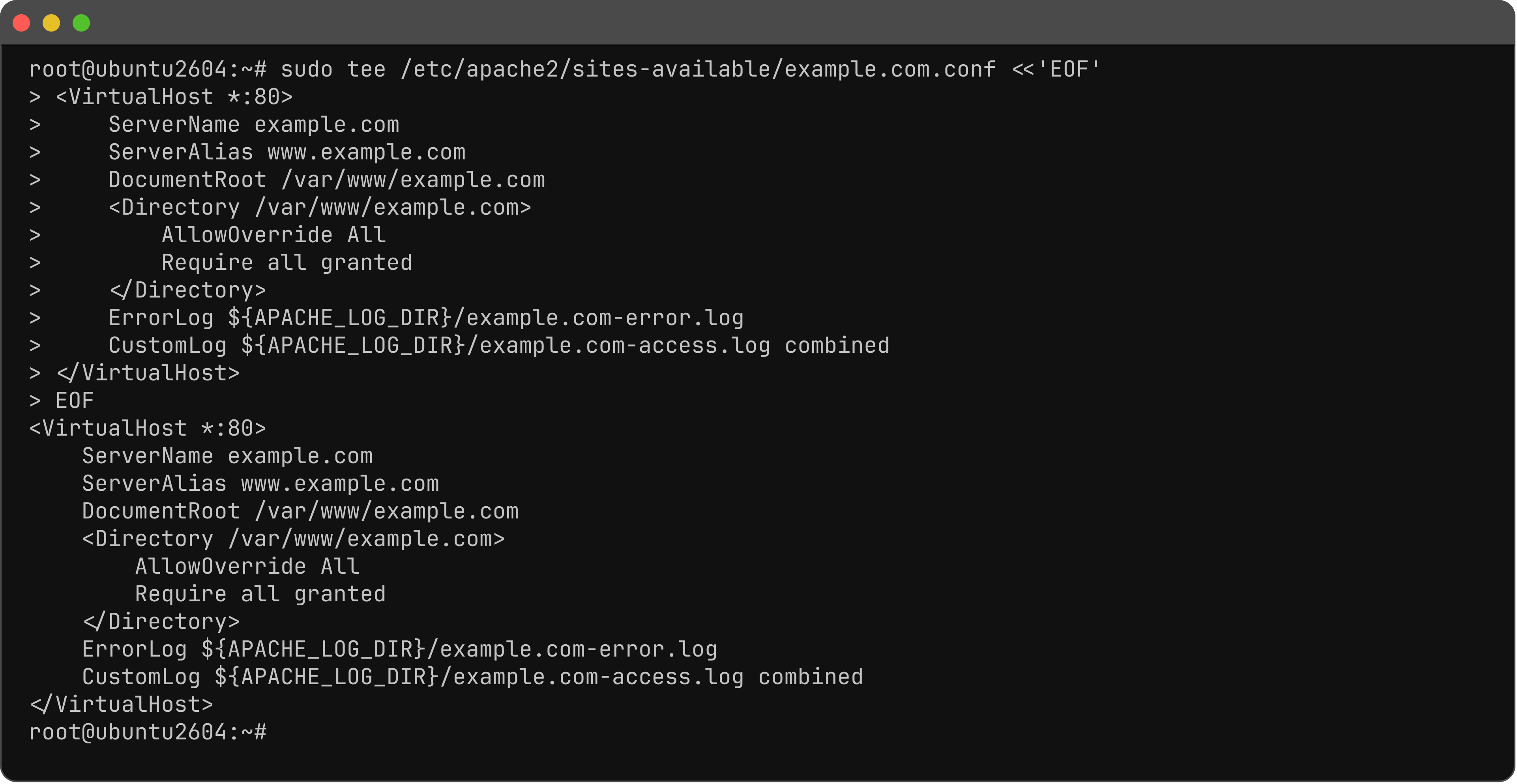
Step 4 : Create the vhost.
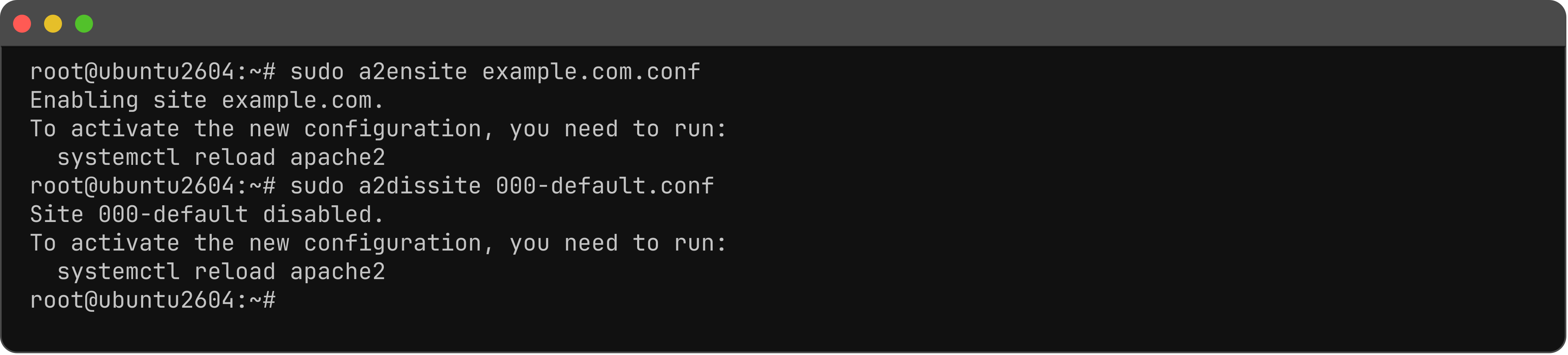
Step 5 : Enable the site and disable the default.
Step 6 : Test and restart.

Step 7 : Open the virtual host in a browser.

To add another site, repeat the steps with a new domain and document root.
You have set up an Apache virtual host on Ubuntu 26.04.