To install PHP 8.5 on Ubuntu 26.04, use the distro packages. This guide covers the Apache module and PHP-FPM (socket /run/php/php8.5-fpm.sock). Defaults are 128M / 2M / 30s; raise them on the web SAPI, not only CLI.
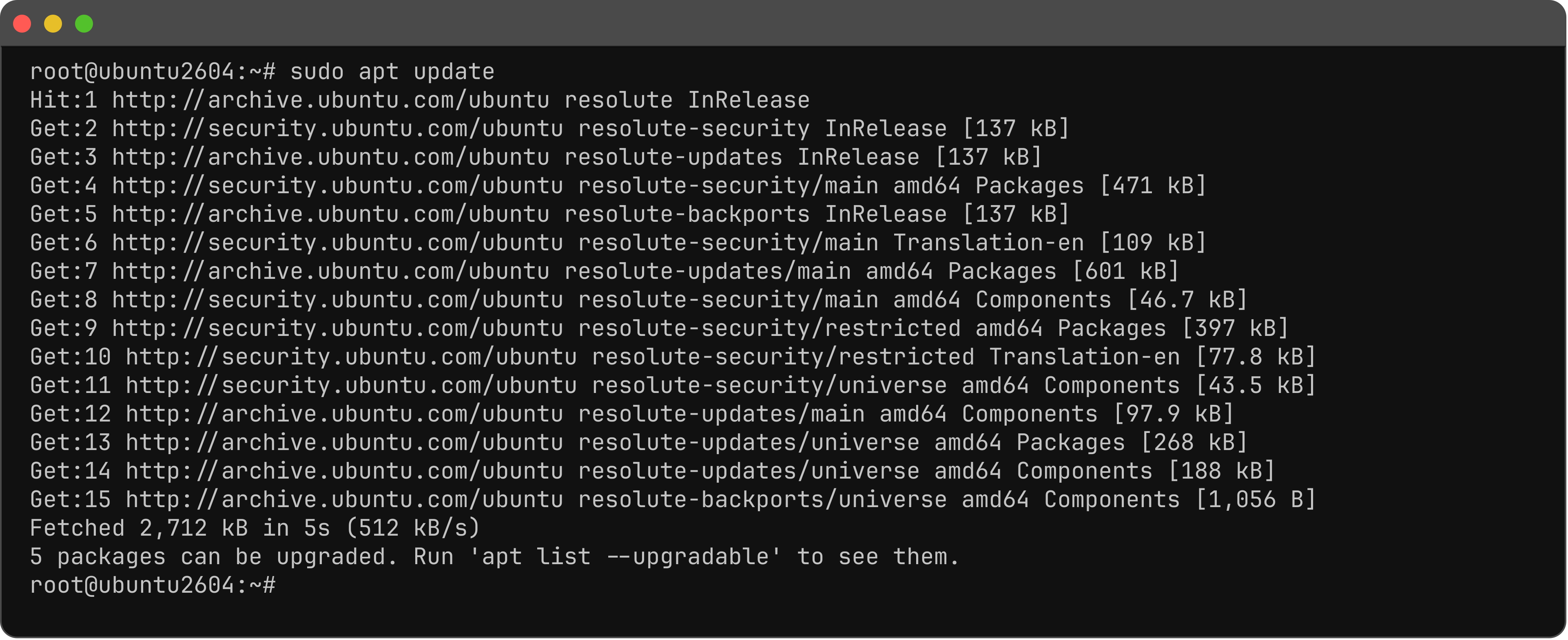
Step 1 : Update.
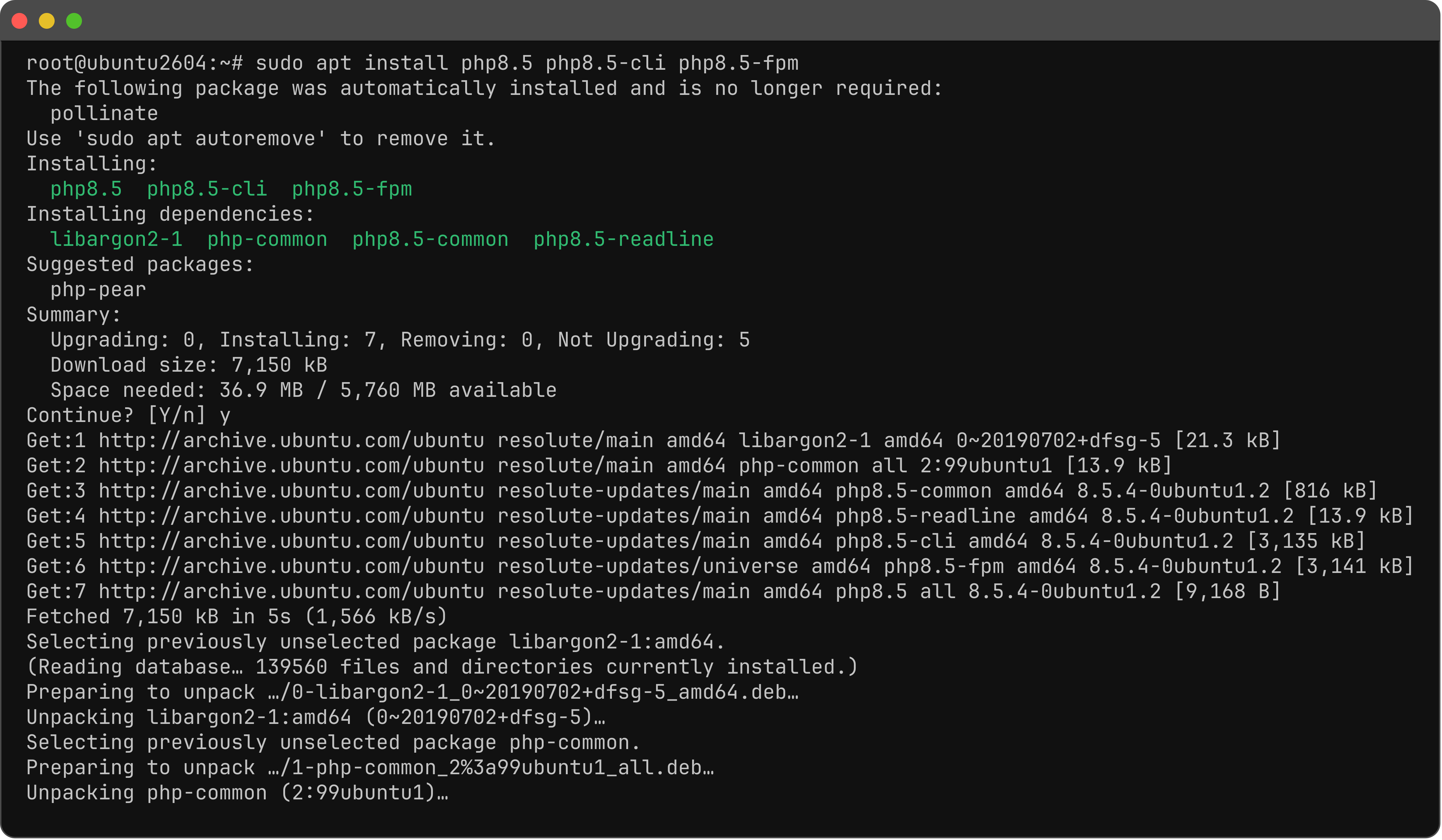
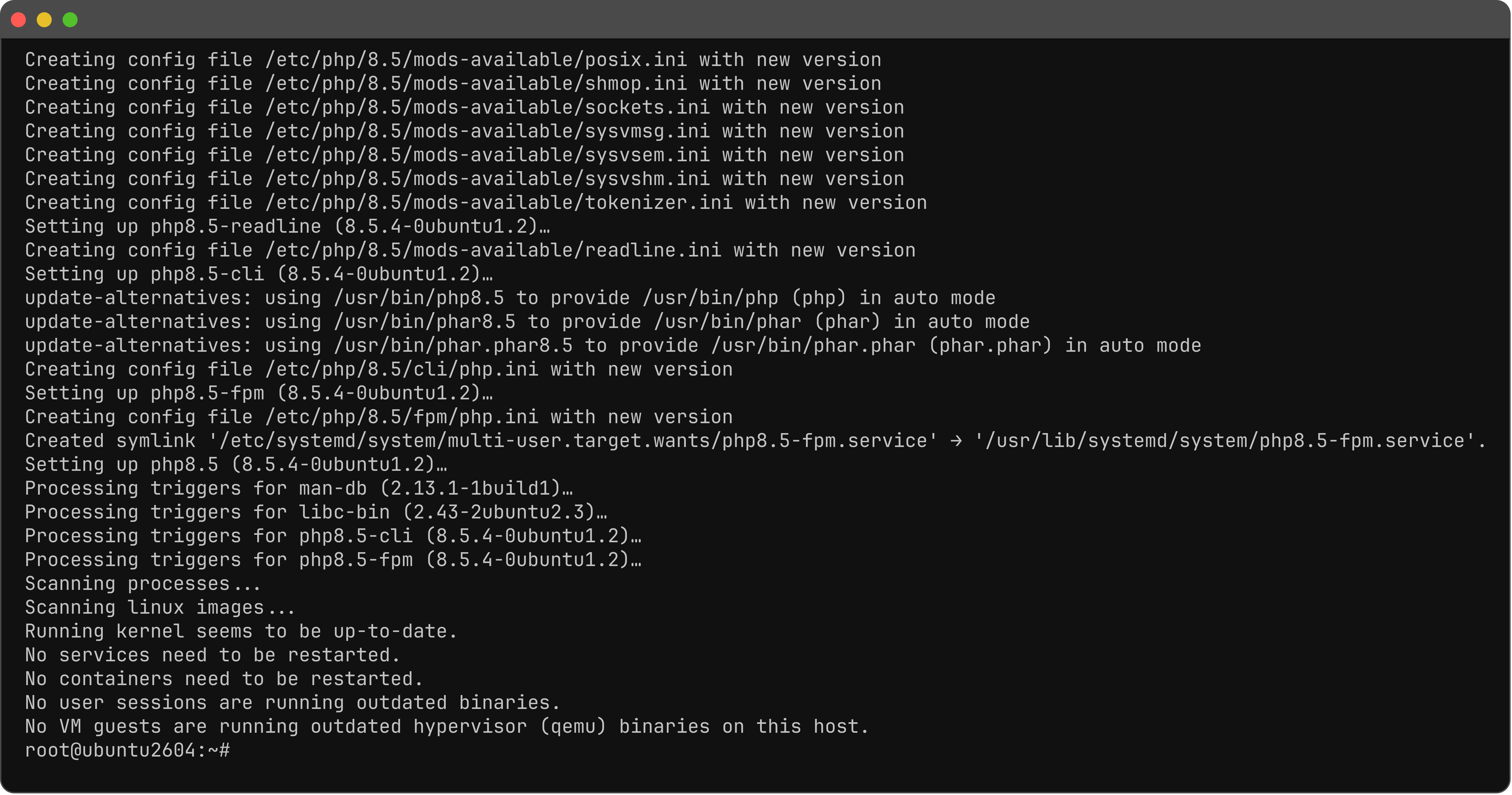
Step 2 : Install PHP 8.5, CLI, and PHP-FPM.
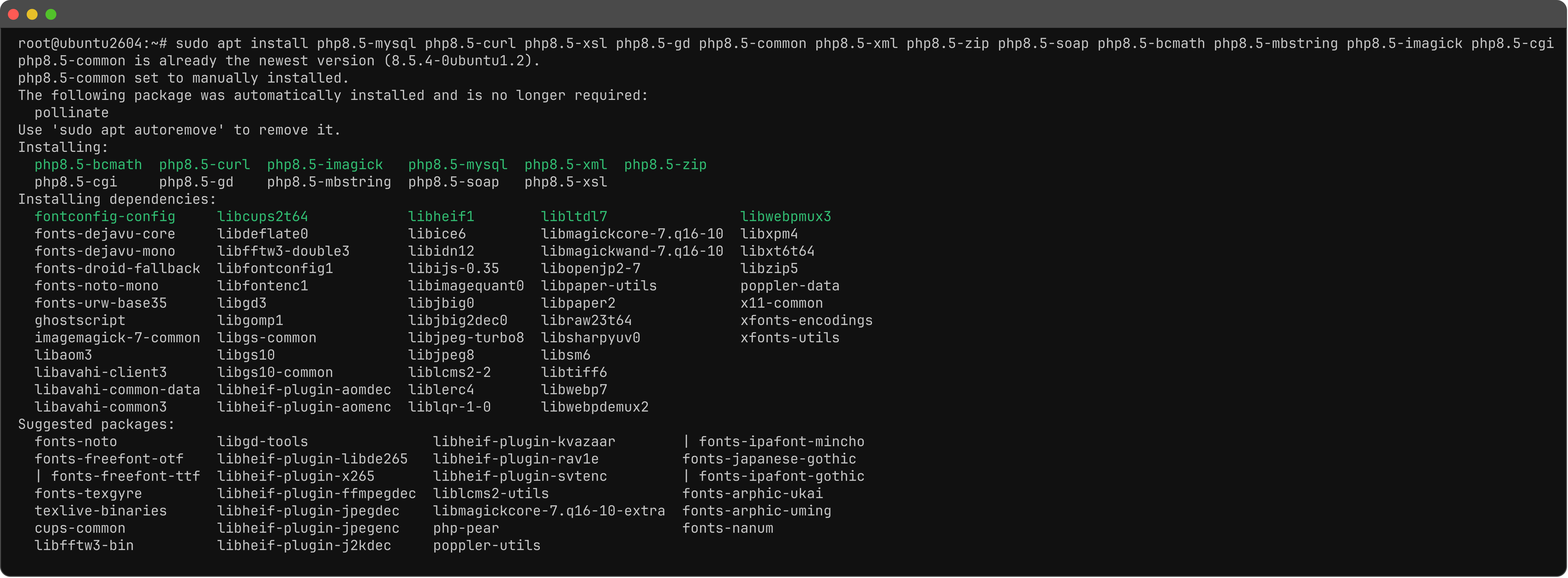
Step 3 : Install common extensions. Also cgi if you need it. Common extensions: mysql, curl, gd / imagick, xml / xsl / soap, zip, mbstring, bcmath. gettext is in php8.5-common.
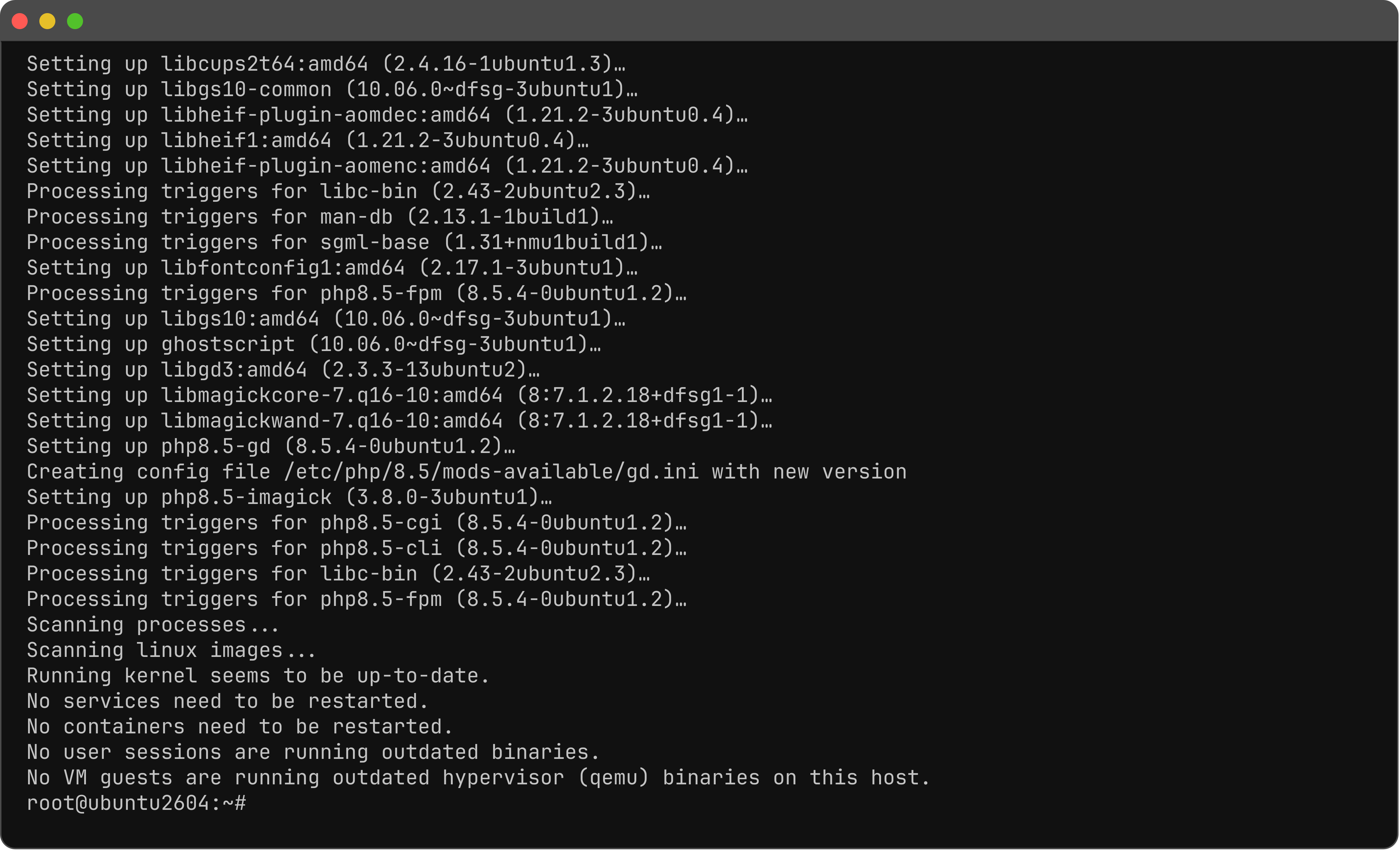
Step 4 : Check the version.

Step 5 : If you use Apache, install the module.
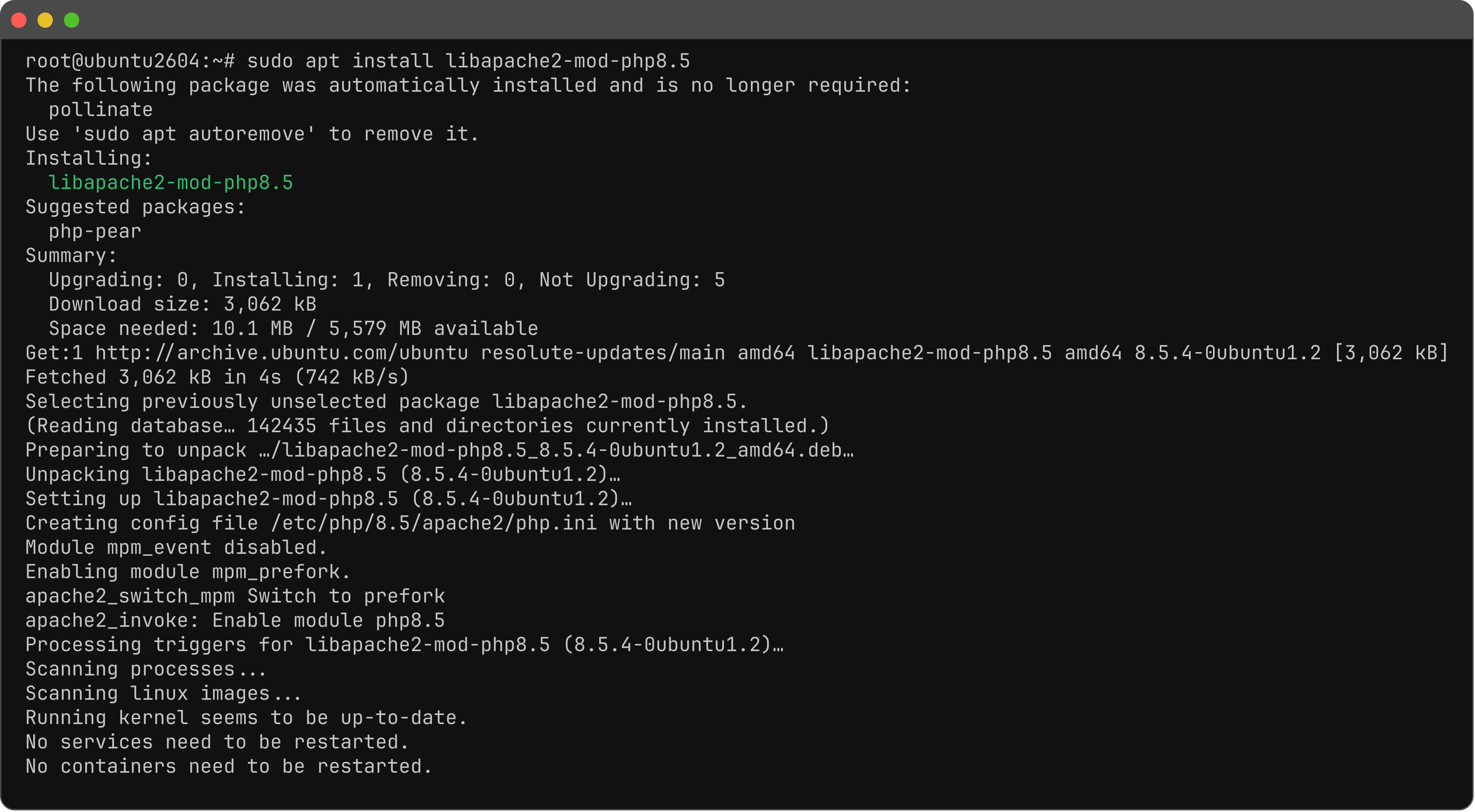
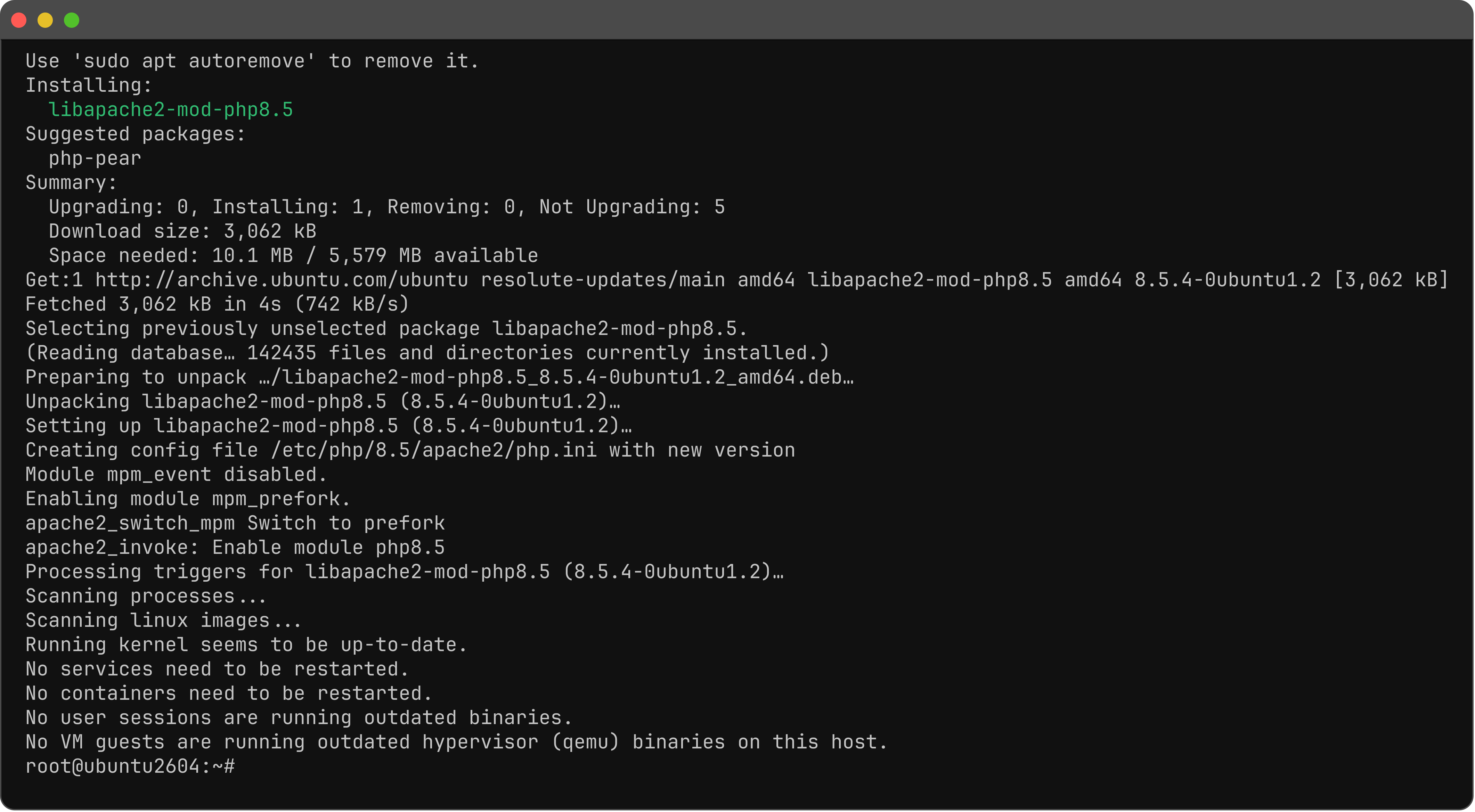
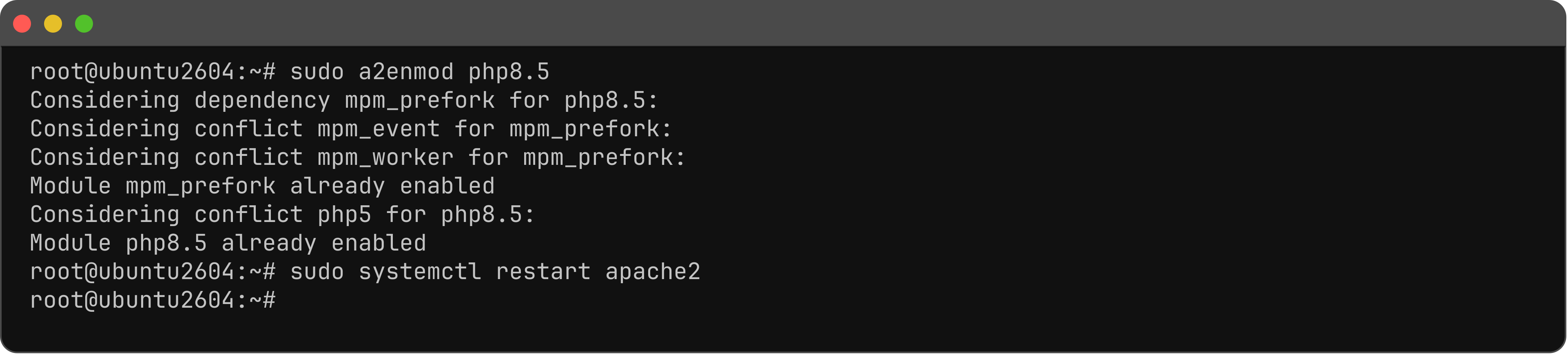
Step 6 : Enable the module and restart Apache.
Step 7 : If you use Nginx, PHP-FPM listens on /run/php/php8.5-fpm.sock. Restart it.

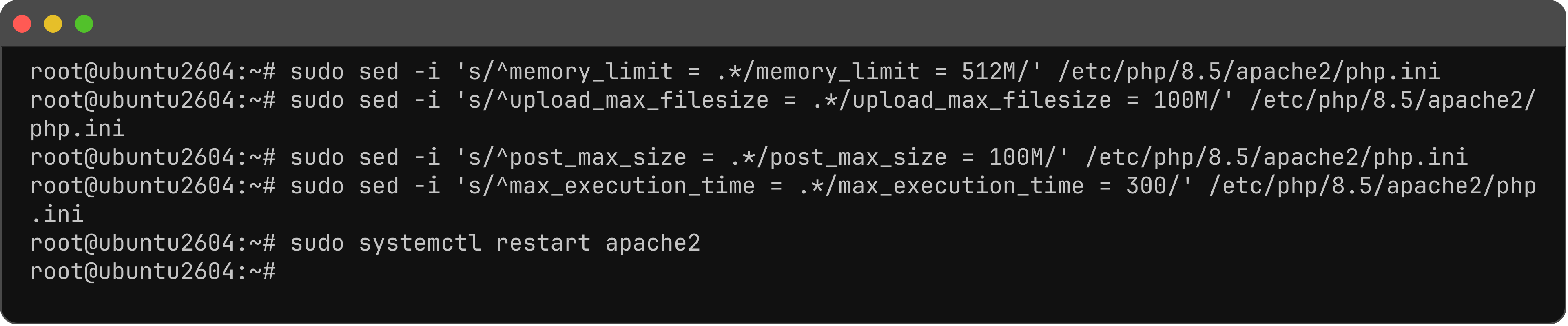
Step 8 : If you use Apache. Defaults: memory_limit 128M, upload_max_filesize 2M, post_max_size 8M, max_execution_time 30. php -i is CLI (/etc/php/8.5/cli/php.ini) — that does not apply to web uploads. Set 512M / 100M / 100M / 300.
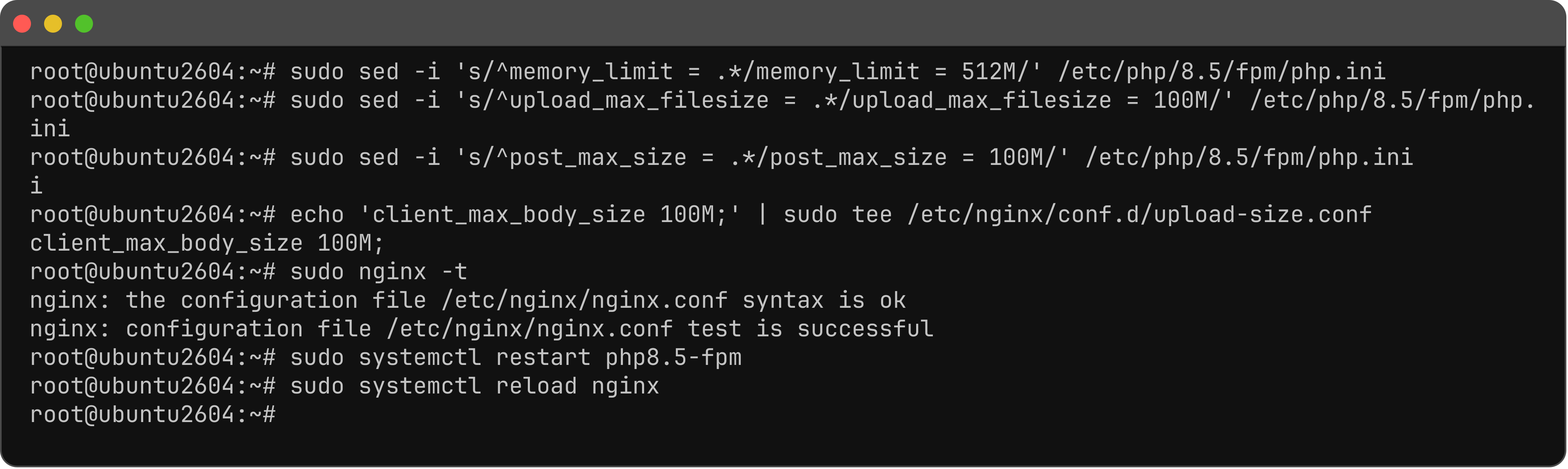
Step 9 : If you use Nginx, PHP-FPM uses the same values. Nginx defaults client_max_body_size to 1m (413 if you skip this). conf.d is included from http { }. Nginx must already be installed.
You have installed PHP 8.5 on Ubuntu 26.04.