To enable SSH on Ubuntu 26.04, install openssh-server and open the port.
Step 1 : Update.

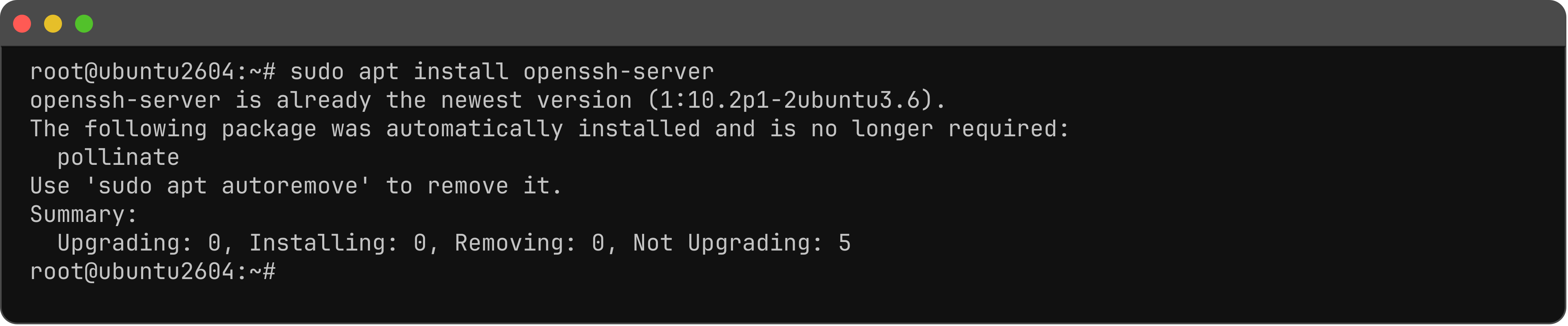
Step 2 : Install OpenSSH.
Step 3 : Start the service.

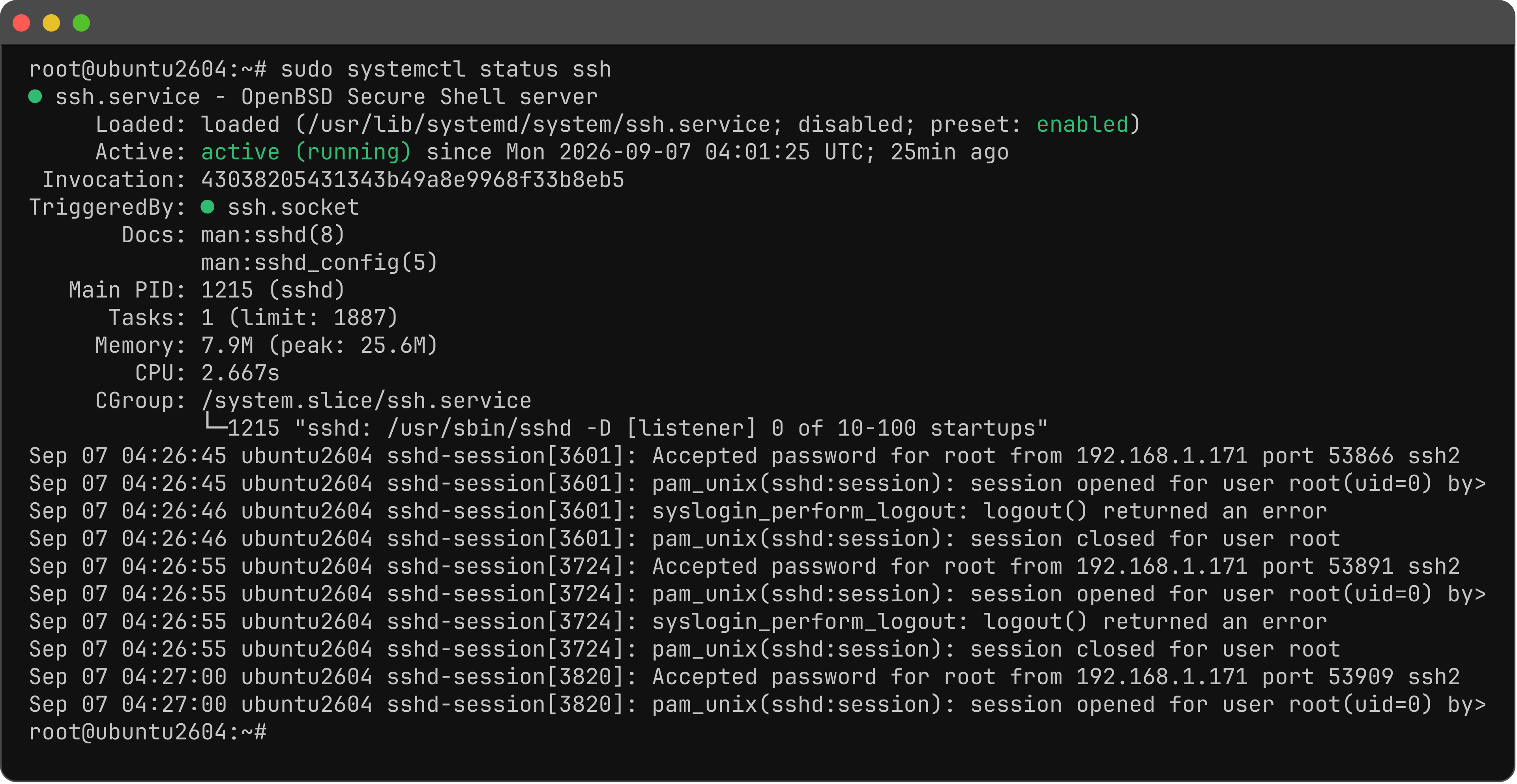
Step 4 : Check status.
Step 5 : Enable on boot.

Step 6 : Allow SSH in UFW if UFW is enabled.

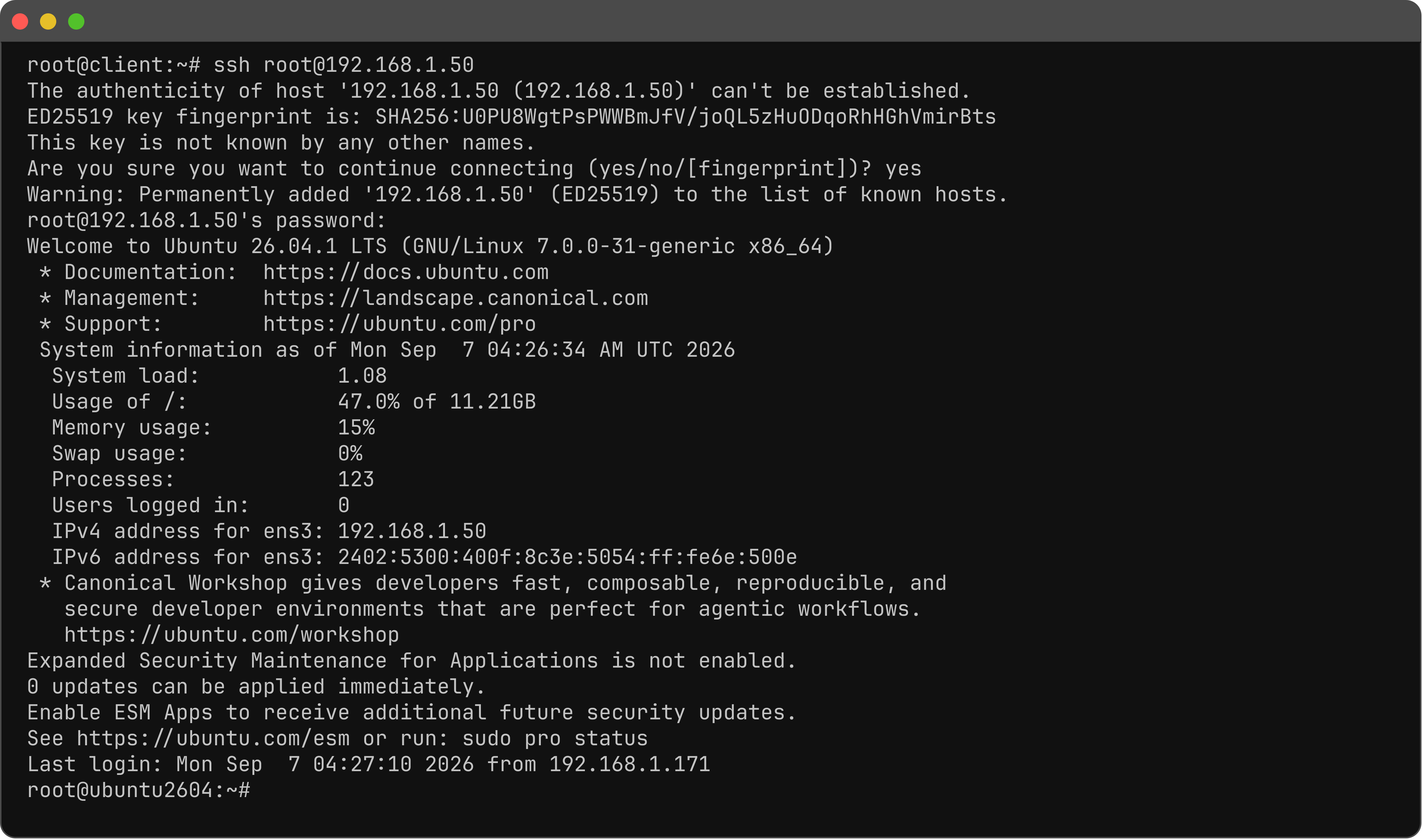
Step 7 : From another machine. Change the user and IP.
You have enabled SSH on Ubuntu 26.04.